
If a Sega Master System game won’t boot, or only works after a few reseats, dirty cartridge contacts are the usual culprit. Rubbing at the edge connector through the slot with a cotton bud only gets you so far, so I prefer to open the cartridge and clean every pin properly with isopropyl alcohol. Here I do exactly that on a well-used copy of Olympic Gold, kindly sent in by Anthony.
How do you open a Master System cartridge?
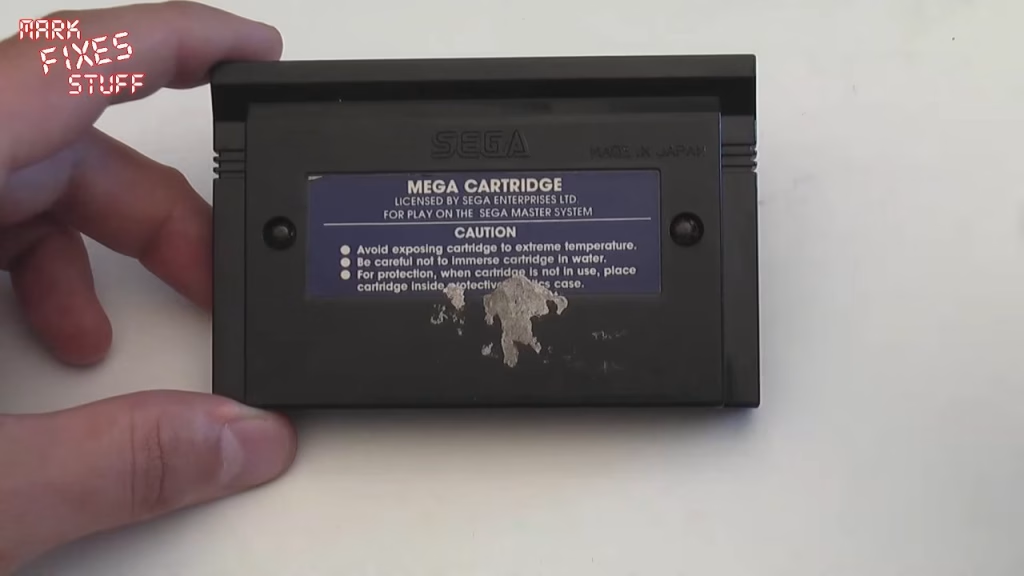
There are two security screws on the back, and you need a 4.5mm Gamebit to remove them. It’s the same size on all Master System cartridges. The screws are designed to cam out, meaning the bit slips if you go too fast or too far, leaving little marks in the coating: that’s how Sega could tell whether someone had been inside. I suspect the warranty on this one is well and truly up.
Inside the cartridge
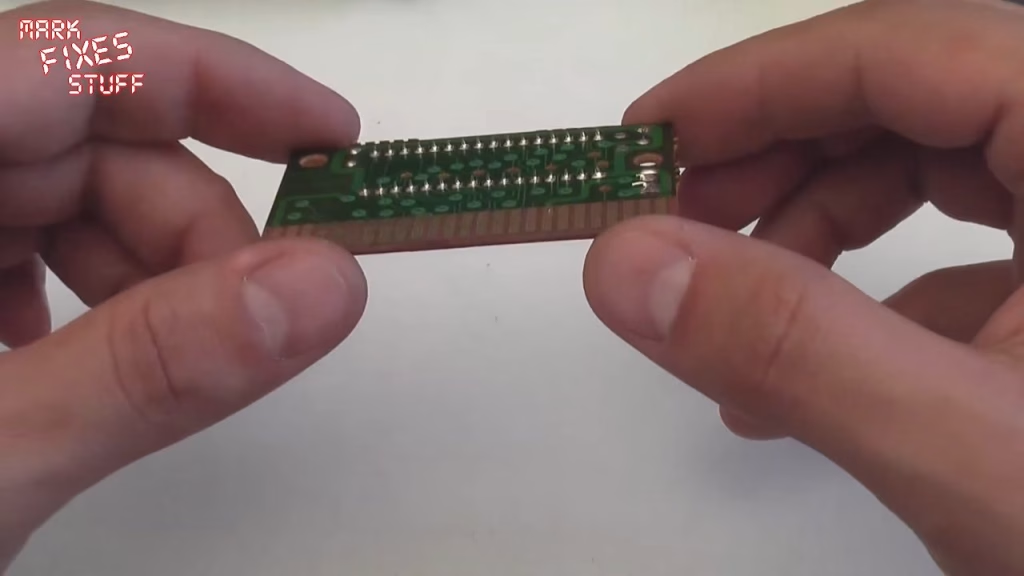
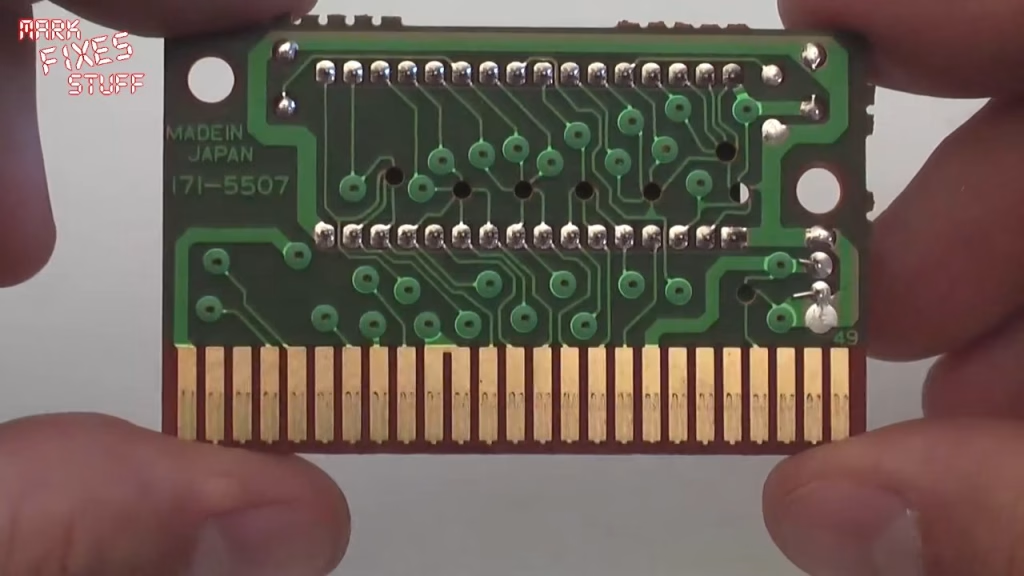
With the screws out, the two halves separate. The inside of a cartridge often gives you clues about how it’s been treated, and this one looked pretty good apart from a bit of muck here and there. The real problem was the build-up on the pins.
Master System cartridges have contacts on both sides of the board (Game Gear cartridges only have one), so both sides need doing. They also have a capacitor. These don’t often leak inside cartridges, but they can be a point of failure and are worth checking. I didn’t replace it here; that’s a job for another video.
Cleaning the contacts with isopropyl alcohol
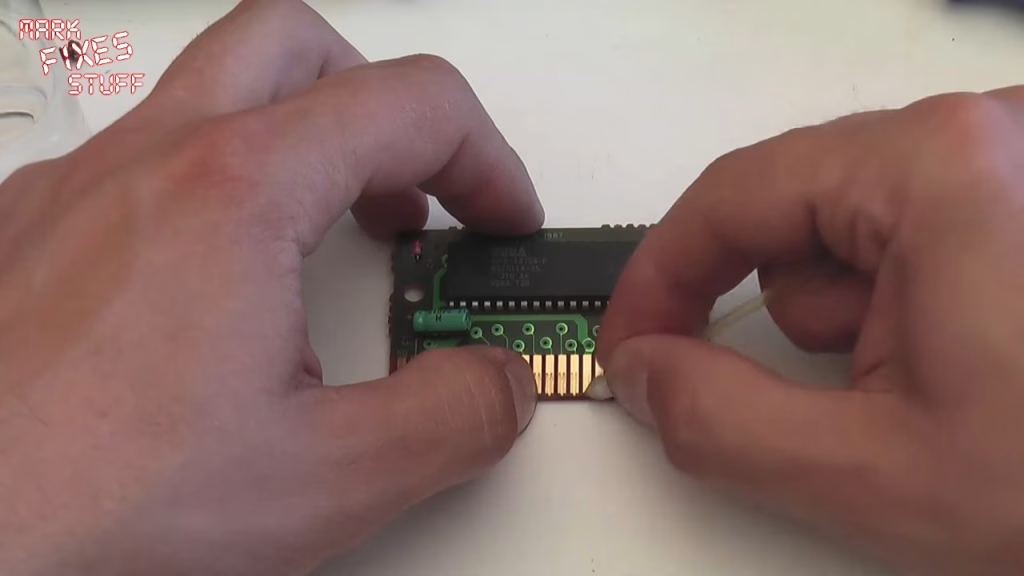
Dip a clean cotton bud in isopropyl alcohol and work along the contacts one pin at a time. There’s no substitute for elbow grease, the right tool, and the right amount of time spent on the job. Go over them again with the flat side of the bud, then buff them off with a little kitchen towel.
The muck that comes off the bud says it all: that’s why your Master System games aren’t working. You’ll still see some wear on old contacts, as this cartridge had, but they come up far cleaner. Then swap to a fresh bud (the first one was filthy) and do the other side, which makes a clear before and after comparison.
When cleaning the cartridge isn’t enough
This won’t cure everything. Sometimes there’s a fault with the cartridge itself, and sometimes the console’s cartridge slot is dirty too, in which case it’s worth spending some time cleaning the slot (I didn’t cover that in this video). In my experience, though, cleaning the cartridge’s contacts alone gets it working nine times out of ten, even in a dirty slot.
Reassembly and cleaning the shell
The board only goes back one way. Refit the two screws but don’t overtighten: it’s 20-plus-year-old plastic, and the Gamebit will cam out and slip anyway if you push it. If the outside of the cartridge is grubby, a wipe with isopropyl alcohol on the shell goes down a treat. It can make scratches show a little more, and keep it well away from the label: IPA contains very little water, so it won’t soak in like water would, but if it does soak into a sticker it will murder it. This label was already beyond help.
Did it work?
The contacts came up clean as a whistle on both sides and the shell looked a lot better on the back. I didn’t show the game being tested in the console in this video, but this is the clean that sorts most non-working Master System cartridges.
More from the Sega cartridge cleaning guides: Cleaning Sega Master System Cartridge Contacts with Brasso, How to Open and Clean a Sega Game Gear Cartridge.
Related
More Sega cartridge and console work: the quick Master System II composite mod, changing the save battery in a Mega Drive cartridge and how to spot and repair a dry solder joint.
Leave a Reply