
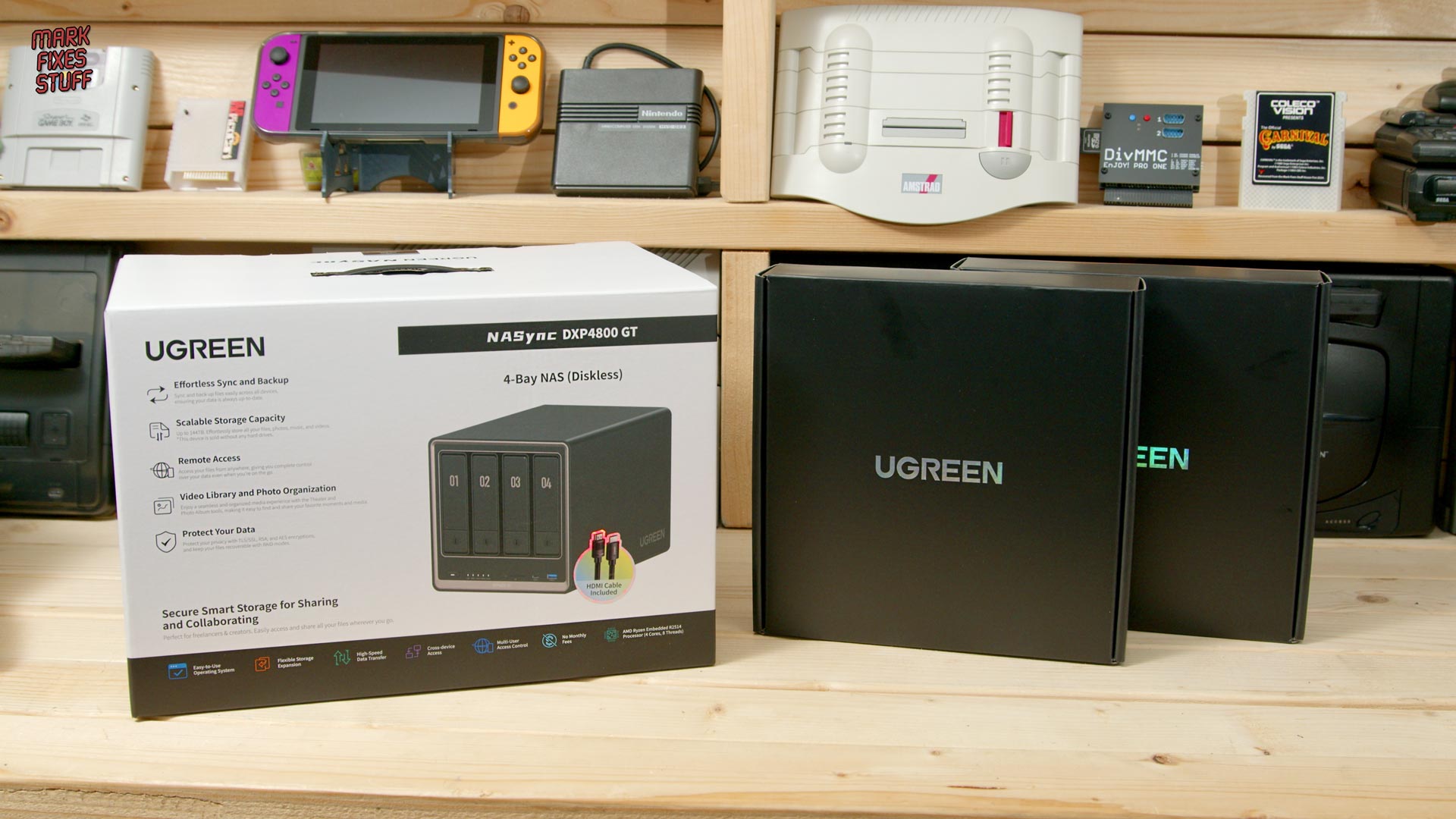
Making my own Personal Streaming Retro Gaming Server
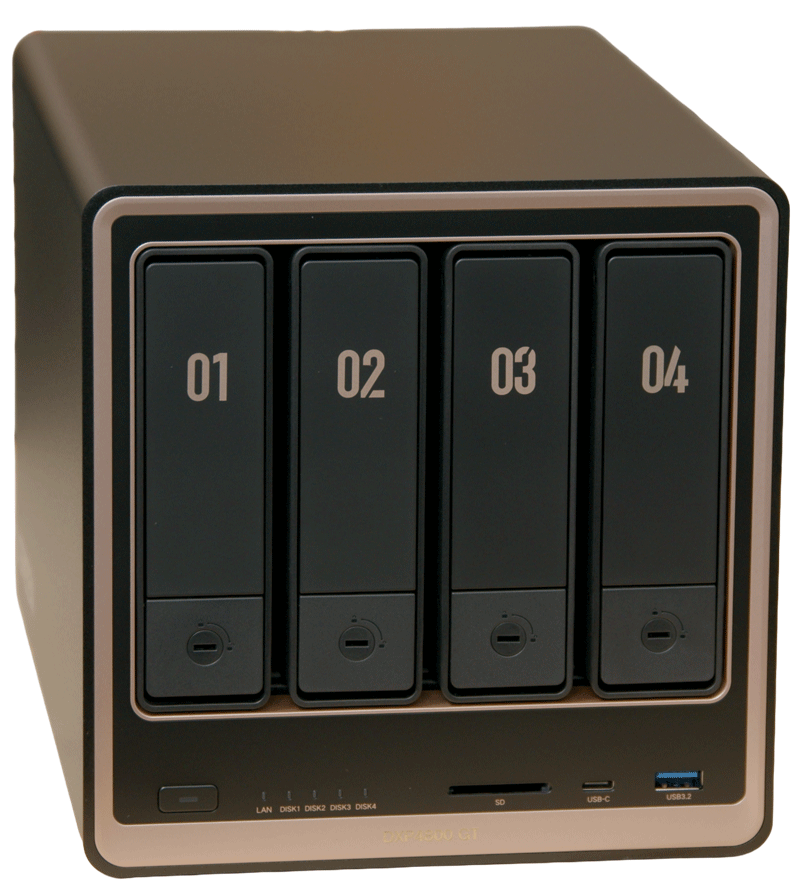
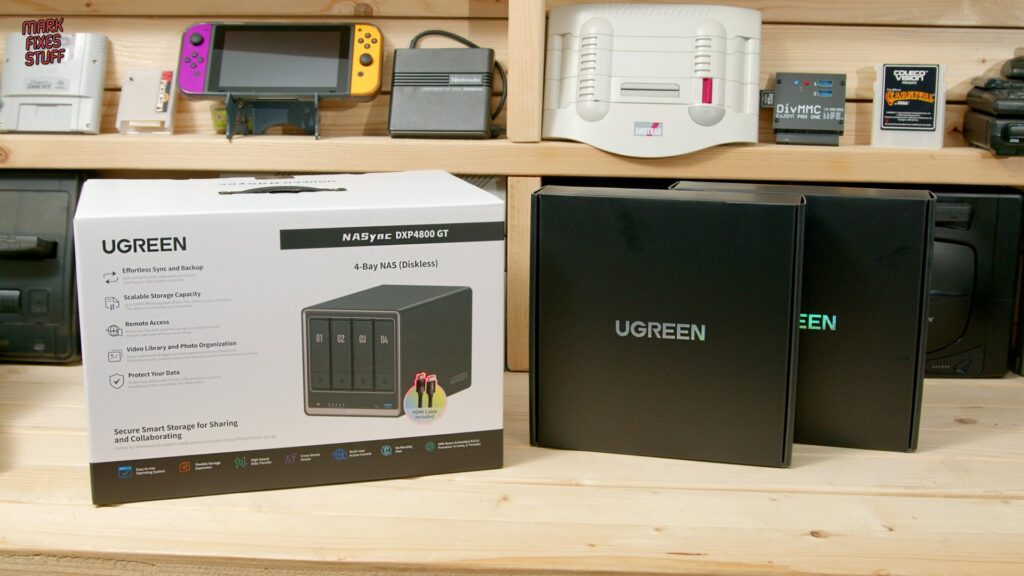
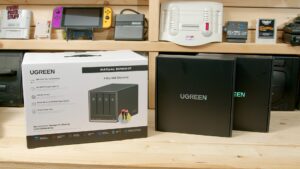
When UGREEN NAS sent over the NASync DXP4800 GT along with four Seagate IronWolf drives, I originally thought this would be a fairly straightforward NAS review. A bit of file storage. Maybe some media streaming. The usual sort of thing.
Then I realised this powerful box has:
- an AMD Ryzen processor
- 8GB of RAM
- dual 10GbE networking
- Docker support
- NVMe storage support
I immediately started wondering whether I could get a retro gaming server running on it. So that is exactly what I did. Instead of treating it like a normal NAS, I installed Docker, Portainer and RetroAssembly to see how far I could push it. It actually went surprisingly smoothly. Madness!
The Hardware
The UGREEN NAS DXP4800 GT uses an AMD Ryzen Embedded R2514 processor with 4 cores and 8 threads, alongside 8GB of DDR4 memory which can be upgraded up to 64GB.
Connectivity is pretty serious for something this size:
- Dual 10GbE networking
- Four SATA drive bays
- Two M.2 NVMe SSD slots
- HDMI 4K output
- Two USB A 10Gbps ports
- One USB C 10Gbps port
- Two USB 2.0 ports
- SD 3.0 card slot
- UGOS Pro operating system
- Docker support
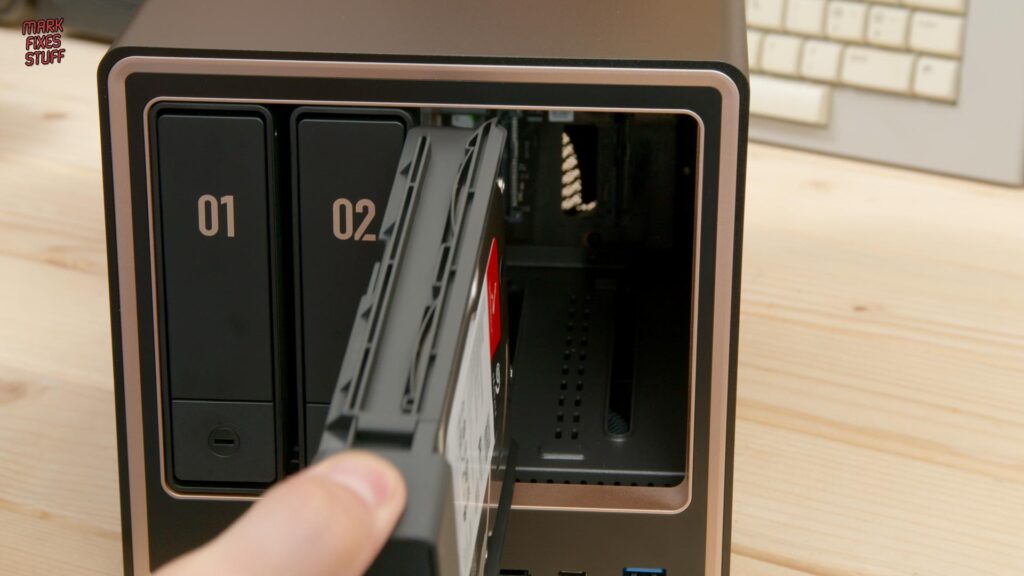
UGREEN also supplied four 4TB Seagate IronWolf drives for the project, which gave me plenty of space to experiment with. Even with RAID 5 that’s over 10TB of space left for ROMS… and that’s a LOT of ROMS.
First Impressions of UGOS Pro
I expected the software side to be the annoying bit. A lot of NAS operating systems tend to feel overly “enterprise” and use IT language. UGOS Pro was easier to get along with than I expected.
The setup process easily walks you through:
- UGREEN account setup
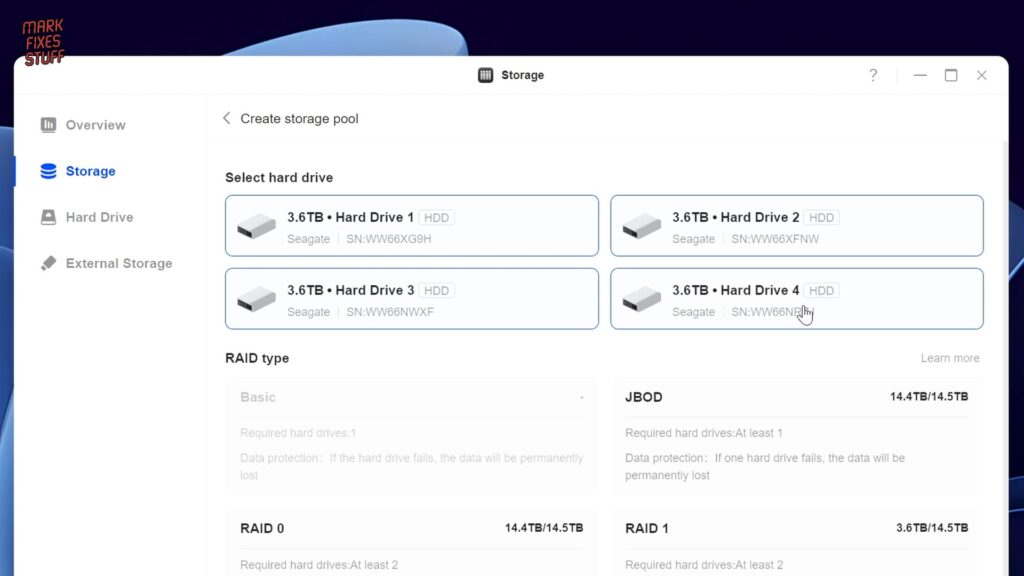
- drive setup and RAID configuration
- storage pool setup (I just did one for all the drives)
- user accounts, although I only needed one
Any jargon was explained to a level I needed to understand. If you are moving over from external drives or scattered storage across different machines, it feels fairly approachable quite quickly and you definitely get a buzz out of starting to “organise” your stuff.
Installing Docker and Portainer
With Docker, a NAS like the DXP4800 GT starts to become more than just a place to dump files. One of the big reasons I wanted to test the DXP4800 GT was Docker support. Once you have Docker running, you can start hosting proper applications directly on the NAS itself. Because I’m still learning Docker myself, I followed the excellent guides from Marius Hosting for getting everything set up.
Docker on UGREEN NAS: https://mariushosting.com/how-to-install-docker-on-your-ugreen-nas/
Portainer on UGREEN NAS: https://mariushosting.com/how-to-install-portainer-on-your-ugreen-nas/
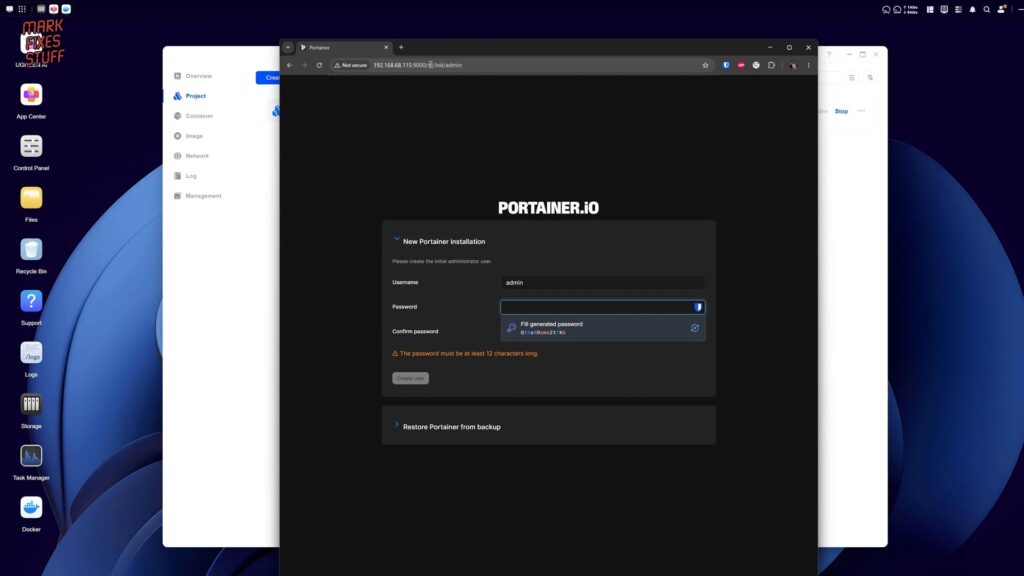
Portainer made life considerably easier because it gives you a proper graphical interface for managing containers instead of relying on command line work. That helped a lot once I started setting up RetroAssembly, although I was literally just following the guide that Marius wrote.
Building a Retro Gaming Server with RetroAssembly
RetroAssembly is a vitualised server that runs on you network server and spits retro games into your browser. That’s as technical as I can describe it.
Of course, I’m using another of Marius’ guides – Install RetroAssembly on UGREEN NAS: https://mariushosting.com/how-to-install-retroassembly-on-your-ugreen-nas/
The RetroAssembly Website is here, but you don’t need to actually download it, the Portainer script in the guide will pull the image in automatically: https://retroassembly.com/
Once configured, it feels nice and solid.
You get:
- artwork scraping (most of the time…)
- metadata from Wikipedia
- cute little videos scraped from Youtube
- browser based access
- a clean library layout in your browser.

Instead of scrolling through folders full of ROM filenames, it’s nice to browse. Everything runs directly from the NAS through Docker so the whole setup stays contained in one box.
Why the UGREEN NAS DXP4800 GT Worked Well for This
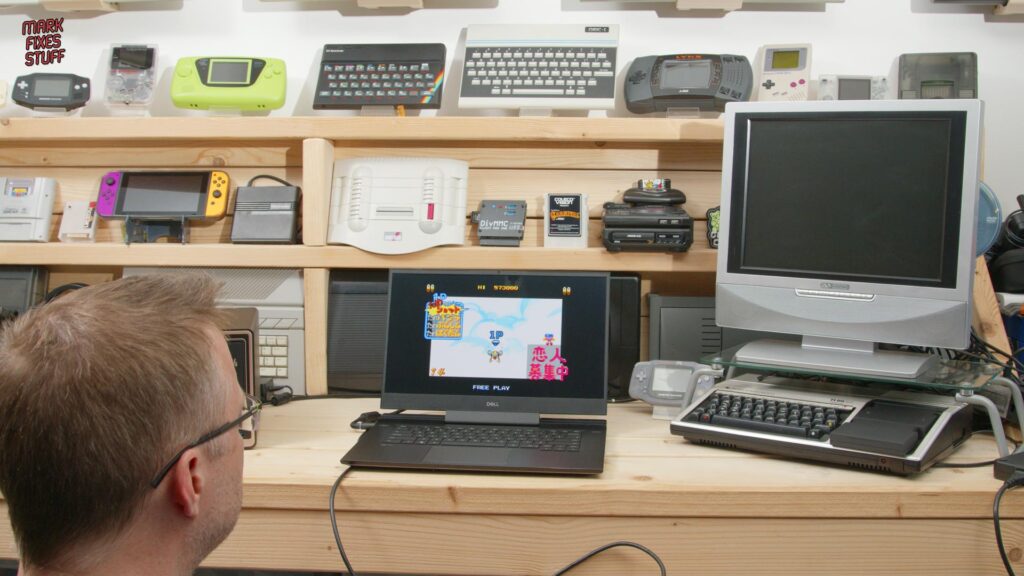
The NAS handled all of this without really seeming bothered by it. The Ryzen processor and even single 10GbE networking give it quite a bit more flexibility than you might hope for with a home or small business NAS. Bearing in mind I was runnning on an older laptop with WiFi as well, it’s quite an acheivement.
Because the DXP4800 GT supports:
- Docker
- Upgradable storage up to 32gb per bay
- expandable RAM
- high speed networking
it works well for:
- video archive storage
- backups
- Docker applications
- retro gaming libraries
- media streaming
- private cloud storage
- shared network storage
A machine that you can upgrade as your needs grow.
The SD card slot and 10Gbps USB ports also ended up being useful for quickly importing footage from my GoPro Hero 13 and media from external drives. The direct port is a lot faster than copying from a port on my PC over the network to the NAS.
The Part I Expected to Be a Pain
I thought the Docker side of this project was going to be an absolute nightmare. A few years ago, something like this would usually involve loads of difficult to understand tutorials, and I might well have given up. UGOS (and Marius) made it easy. I did also learn a lot from doing the task itself.
This felt much more manageable than I expected. These product shave actually come on a lot in a short time.
Final Thoughts
I went into this expecting to review a NAS. A few hours later I was loading retro games through a browser and wondering what else I could run on it. I’m already making a list…
The UGREEN NAS DXP4800 GT ended up feeling much closer to a compact home server than the sort of NAS devices I remember from years ago. Paired with RetroAssembly, it turned into a really fun project.
If you want to see the me doing the actual install you can watch the full video here:
DISCOUNTS!
Check out the new UGREEN NAS GT Series – 20% OFF during the first-sale period (8–22 June) – 20% OFF on all UGREEN NAS models during Prime Day (23–28 June)!
UGREEN NAS GT Series Page – UK: https://nas.uk.ugreen.com/sBVCoc
UGREEN NAS DXP4800 GT on Amazon UK: https://bit.ly/4vE01M6
UGREEN NAS DXP4800 GT on Amazon US: https://bit.ly/4upFrOz
UGREEN NAS Amazon Store – UK: https://bit.ly/4eh5dyy
Discount code for DXP4800 GT: DXP4800GT (8–22 June)
Discount code for DXP2800 GT: DXP2800GT (8–22 June)



Leave a Reply