

Building a 55 Inch Light Gun Arcade From Scrap PCs and E-Waste
My projects often start with a simple idea. This one started with a pile of unwanted computers, a huge industrial display that had been thrown away, and a question.
Could all of this e waste be turned into a working arcade light gun setup?
In the latest Mark Fixes Stuff video I attempt to build a full size arcade style shooter system using Linux, Batocera, a Sinden light gun and several machines that were rescued from the scrap pile.
The results were entertaining, sometimes frustrating, and occasionally very surprising.
Watch the full video here:
https://youtu.be/AjqmzSmE5-c
Starting With a Pile of E Waste
This project began when a viewer sent a collection of unwanted hardware to the channel. Instead of letting it go to recycling, I decided to see what could be built from it.
Among the items were several small form factor computers, an oversized display and various bits of old hardware that had clearly lived a previous life in an office environment.
The idea was simple. Take these discarded parts and see whether they could power a full screen arcade shooter setup using modern Linux emulation.
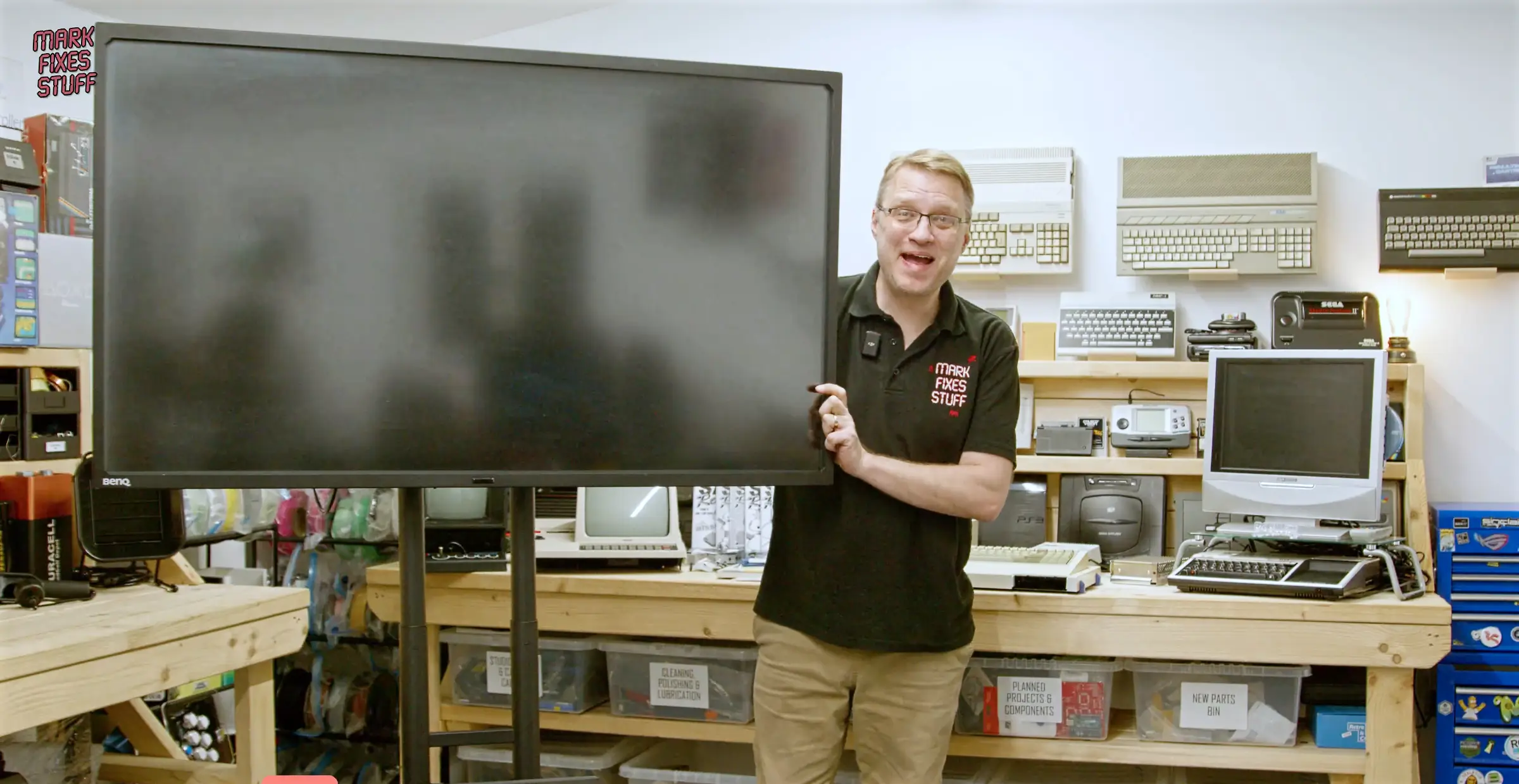
The most eye catching item in the pile was a 55 inch industrial display. Displays like this are normally used in digital signage or commercial installations, but it turned out to be ideal for an arcade style build.
Arcade shooters benefit massively from a large screen. Standing in front of a huge display with a light gun feels much closer to the real arcade experience than playing on a typical monitor.
Choosing Hardware From the Scrap Pile
The next step was figuring out which of the rescued computers might actually run the system.
Two machines stood out immediately.
An HP ProDesk small form factor PC and an Acer Veriton mini PC.
Neither of them were designed for gaming, but for Linux based emulation they were worth testing.
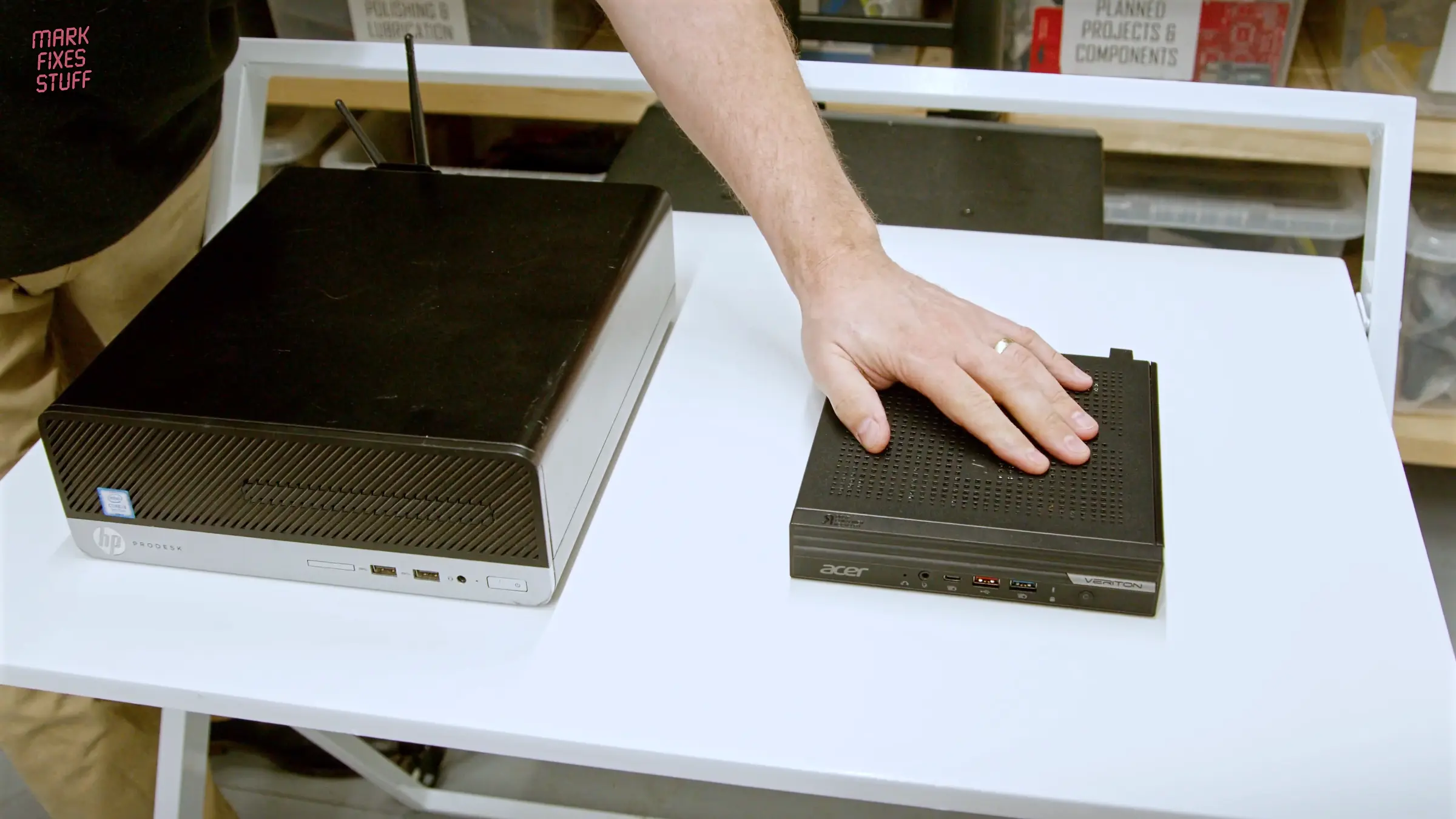
Small office PCs like these often make excellent emulation machines because they are compact, quiet and surprisingly capable.
With the hardware chosen, it was time to install the software.
Installing Batocera for Arcade Emulation
For the operating system I used Batocera, a Linux distribution designed specifically for retro gaming and emulation.
Batocera supports a huge range of systems including:
- arcade boards
- retro consoles
- classic home computers
- light gun shooters
To simplify the setup I used a curated image created by Retro Lunatics, a group known for building dedicated Batocera images for light gun games.
You can see their work here:
https://retrolunatics.com/
The image itself was sourced through Arcade Punks, which hosts a large library of community emulation builds.
These images include preconfigured emulators and games so the system can boot directly into a playable setup.
Of course things rarely work perfectly on the first attempt….
The Acer Veriton RAID BIOS Problem
One of the most interesting problems came from the Acer Veriton.
When trying to boot Batocera or other Linux distributions, the system would not detect the internal storage correctly.
This turns out to be a common issue with Acer Veriton machines.
Many of them ship with Intel VMD RAID enabled in the BIOS, which prevents Linux installers from seeing the drives.
People searching for this issue often look for solutions using phrases such as:
- Acer Veriton disable RAID BIOS
- Acer Veriton Linux install storage not detected
- Acer Veriton Batocera install problem
- Acer Veriton VMD controller Linux issue
- Acer Veriton no AHCI option in BIOS
The discussion here explains the issue in detail:
In the video I show exactly where the setting is located and how to disable RAID in the Acer Veriton BIOS, allowing Batocera to boot normally.
If you are trying to install Linux on one of these machines, that small setting can save hours of confusion.
Cleaning Years of Dust Out of the Hardware
Before installing anything, the machines needed a proper clean.
Office PCs that have spent years under desks tend to accumulate an impressive amount of dust.
For this part of the project I used the Wolfbox MegaFlow200 Air Duster, which Wolfbox provided for the channel.
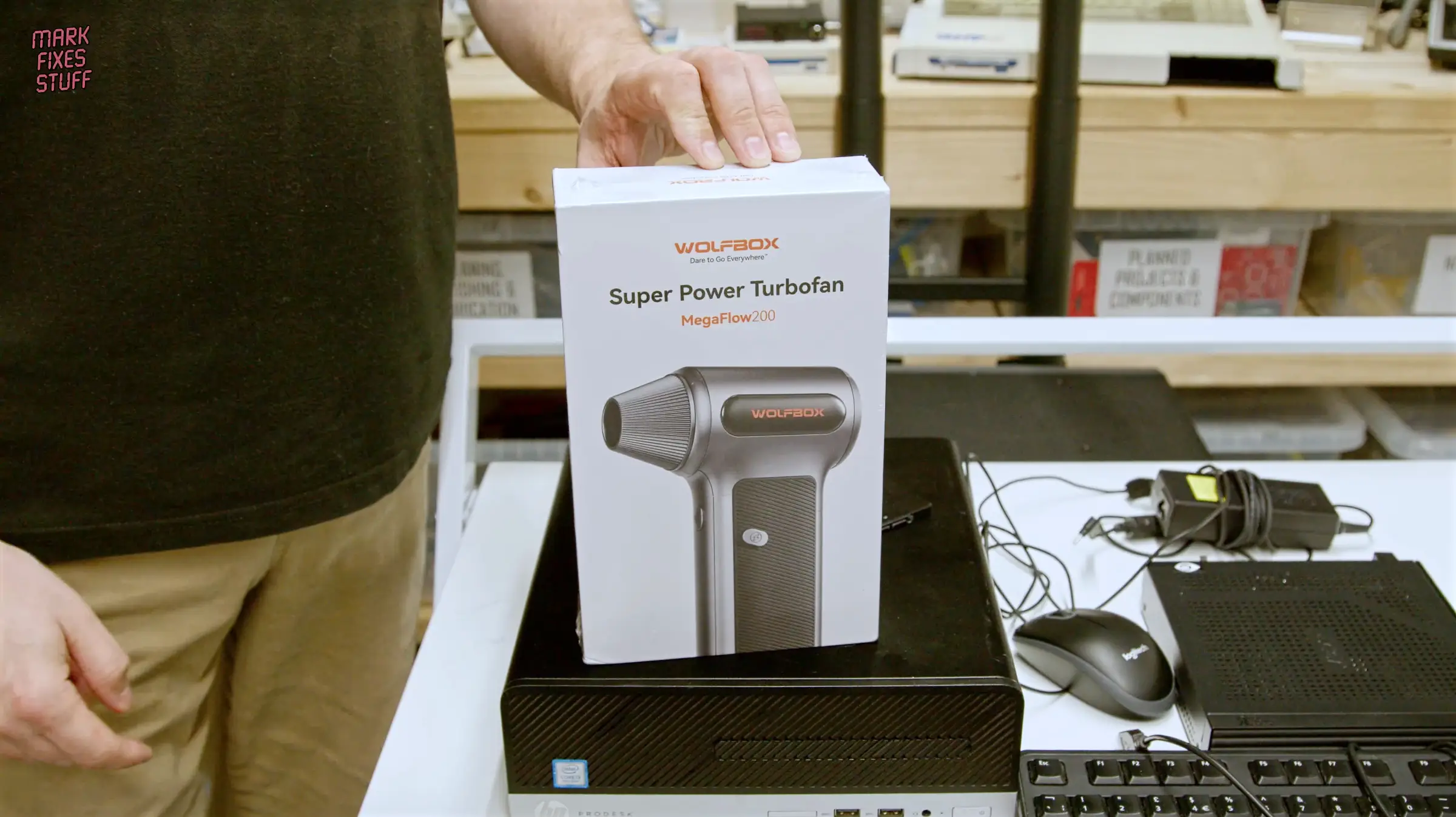
Unlike disposable compressed air cans, the MegaFlow200 is a rechargeable electric air duster with swappable batteries and several nozzles and brushes.
It is extremely useful when cleaning:
- heatsinks
- fan assemblies
- power supplies
- old computers and consoles
If you regularly work on old hardware it quickly becomes one of those tools you end up using constantly.
Affiliate links for the Wolfbox MegaFlow200
Official site (£10 off with code WBSAVE10)
https://uk.wolfbox.com/products/wolfbox-mf200-compressed-air-duster-swappable-battery-cartridge?ref=qtlskruz
Amazon (19% off with code WOLFBOXMF200)
https://www.amazon.co.uk/dp/B0FLTHPN3P?maas=maas_adg_F0214A5A7A7CBBC5FF323921C4CB995C_afap_abs&ref_=aa_maas&tag=maas
Testing Classic Arcade Shooters
With the system installed and cleaned up, it was finally time to test the games.
This build uses a Sinden light gun, which works very well with Batocera thanks to its built in screen border detection system.
Some of the first titles I tested included several well known arcade shooters.
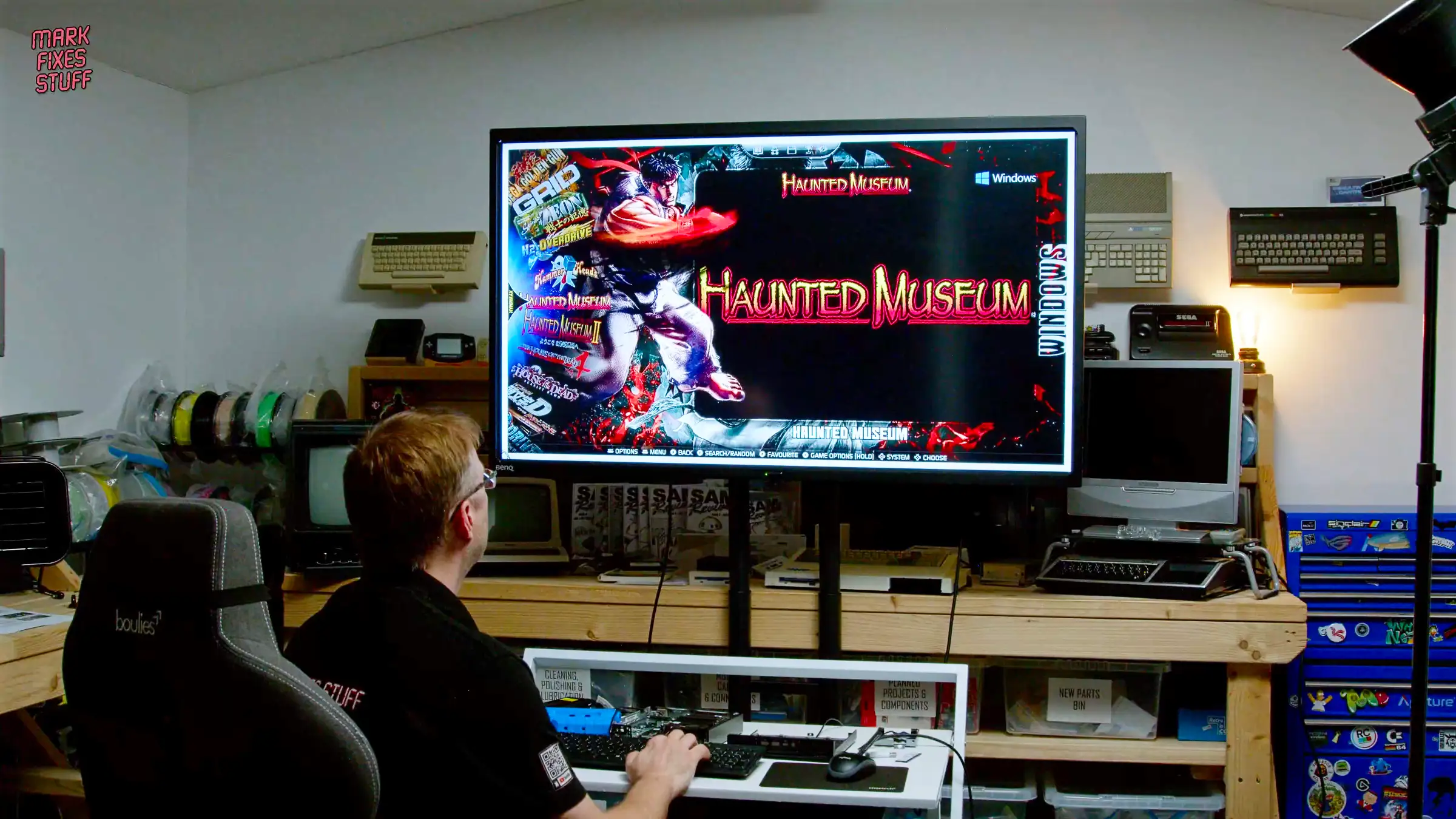
Haunted Museum was one of the early tests. It immediately showed how immersive these games can be on a large screen. Unfortunately there are some accuracy issues that I am yet to resolve.
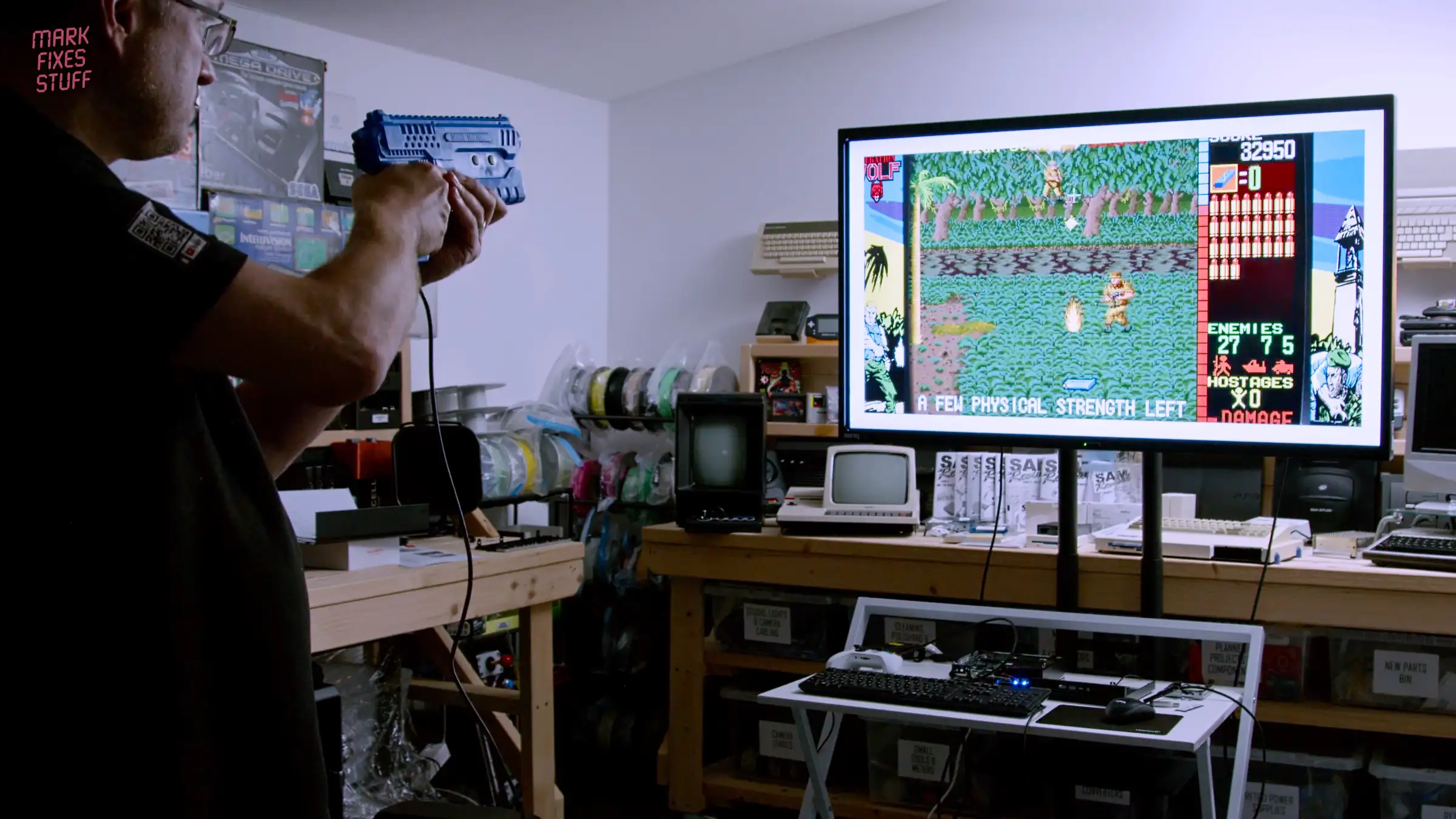
Operation Wolf was another highlight. This game still feels fantastic decades after it appeared in arcades.
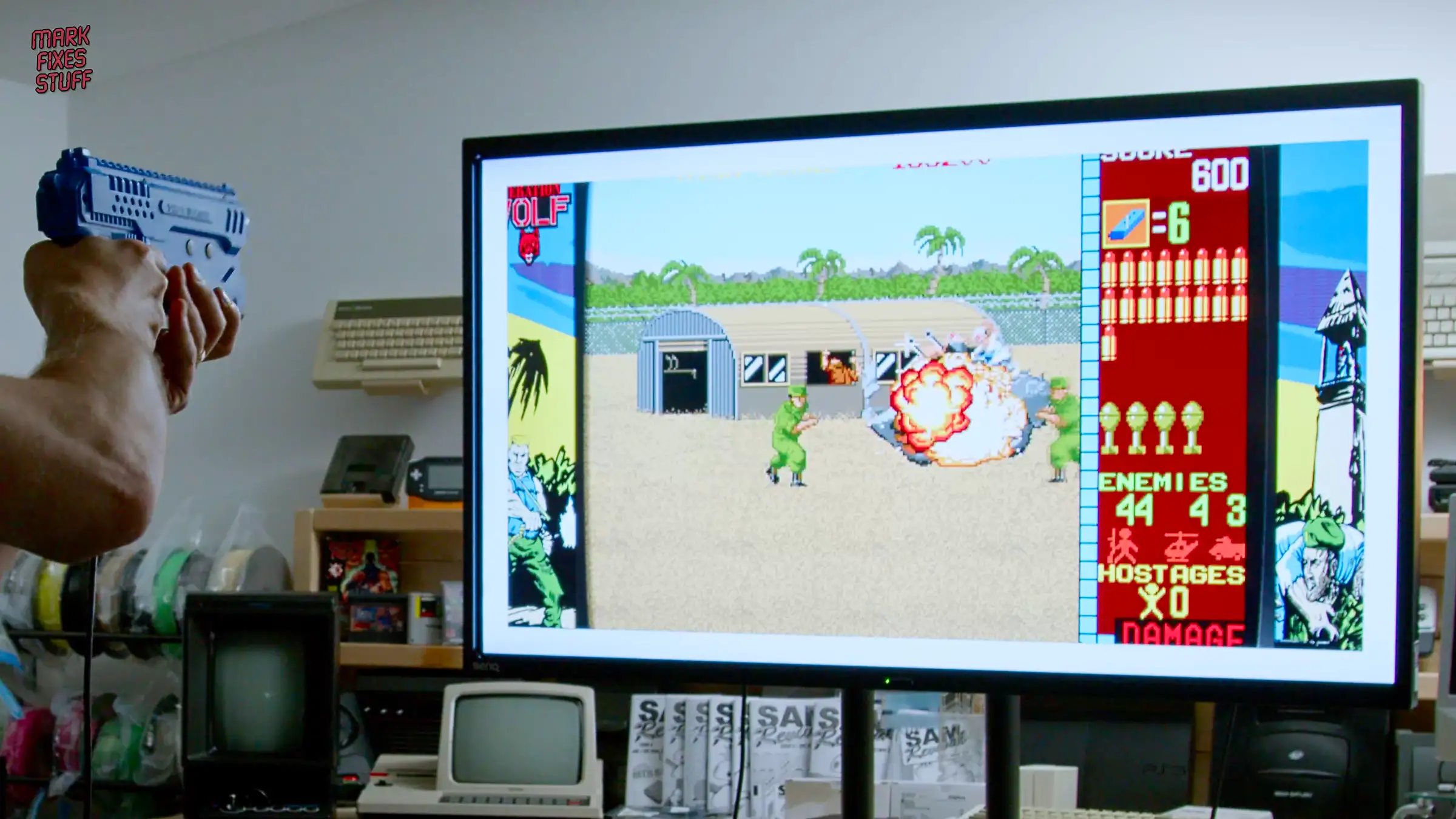
Seeing classic arcade shooters running on a huge display with a light gun is one of the most satisfying parts of the project.
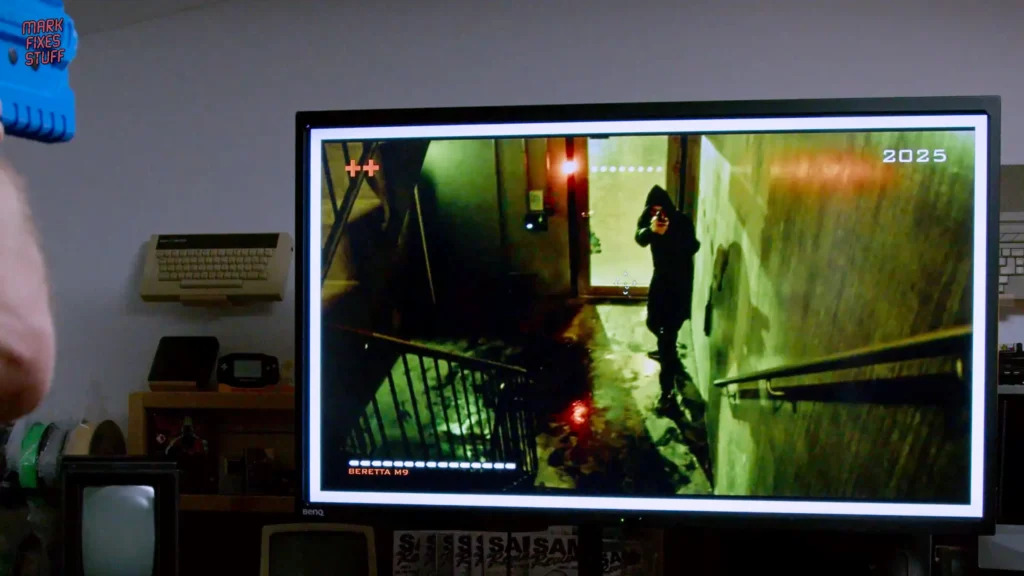
Some games, like D-Cop, bring a completely different style with FMV based gameplay.
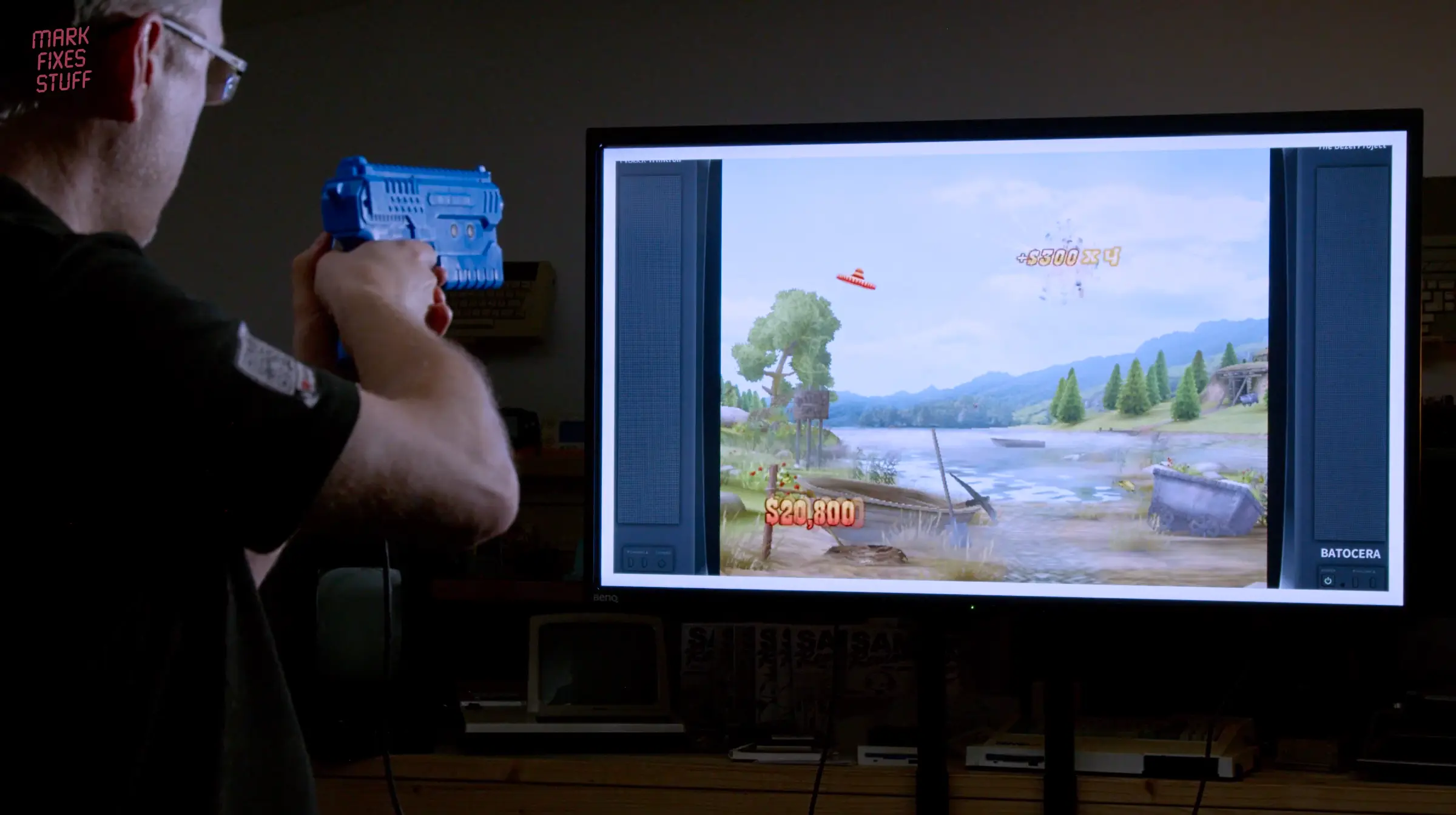
Others, such as Wild West Shootout, show how newer console light gun style games can also work through emulation. I’d never even thought about Wii emulation until I saw the game in the list.
Does an E Waste Arcade Actually Work?
The big question is whether a pile of scrap computers can really become a convincing arcade experience.
Some parts of this project worked better than expected. Others revealed problems that required deeper troubleshooting.
Rather than spoil the outcome here, the full story is in the video.
You can see the build, the BIOS fixes, the Batocera setup and the game testing in the full episode.
Watch the full video here:
Support The Channel
If you enjoy these projects and want to help support future builds:





Leave a Reply